Digital Estate Planning: A Practical Checklist
Most people don't realize how much of their life exists only online. Here's a step-by-step checklist to ensure nothing falls through the cracks when planning your digital estate.
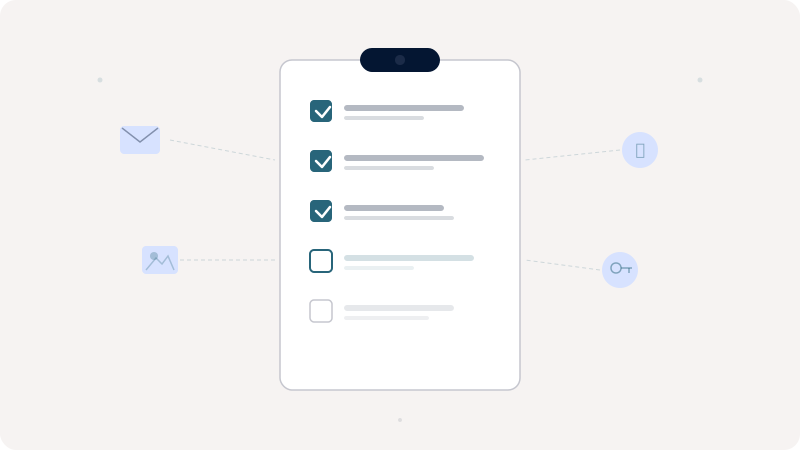
You've written a will, named beneficiaries on your bank accounts, and maybe even set up a trust. But have you considered what happens to your email, your cloud storage, your streaming subscriptions, or your domain names? For most people, the answer is no. A modern estate plan that ignores digital assets is incomplete, sometimes catastrophically so. This checklist walks through the steps that take a vague intention and turn it into something your family can actually act on.
Treat the process as a layered exercise, not a one-shot project. The first pass will surface accounts you forgot existed. The second pass will refine the priorities. The third will catch the gaps. Plan to revisit the inventory at least once a year, and after any major life event: marriage, divorce, a new child, a move, a death in your circle.
Step 1: Inventory Your Digital Assets
Start by listing every account you use: email providers, social media, financial platforms, cloud storage, subscriptions, and domain registrars. Don't forget less obvious ones: smart home accounts, airline miles, digital game libraries, cryptocurrency wallets, AI assistants, podcast feeds, two-factor authenticator apps, and the cloud backup of your password manager. The average person has well over 100 accounts, and this step alone is usually eye-opening.
A useful technique is to spend an hour scrolling through your email inbox searching for phrases like 'welcome to,' 'confirm your account,' and 'your subscription.' Every such message points at an account that exists somewhere. Export the list into a spreadsheet so you can sort, filter, and update it over time.
Step 2: Classify by Value and Sensitivity
Not all accounts are equal. Financial accounts and crypto wallets carry monetary value. Photo libraries and personal writing carry sentimental value. Some accounts, like your primary email, are critical because they serve as recovery points for dozens of other services. Prioritize based on what would be most impactful to lose, and what would be most damaging if it ended up in the wrong hands.
Tag each entry as 'inherit,' 'erase,' or 'archive.' Some assets you actively want passed on. Others you want destroyed: search history, journaling apps, dating profiles, certain private group chats. Archiving is a middle ground for accounts that might be useful as historical record without anyone needing live access.
Step 3: Define Access and Instructions
For each high-priority asset, decide who should have access and what they should do with it. Should your email be archived or deleted? Should your social media profiles become memorialized? Should your crypto be transferred to a specific beneficiary, or sold and distributed by your executor? Clear instructions save your loved ones from guessing during an already difficult time.
Write the instructions in plain language. Assume the reader has never heard of cold storage, IMAP, or DNS. Provide the why alongside the how: 'Transfer the contents of wallet X to my partner because they hold the corresponding wallet Y' is dramatically more actionable than 'See spreadsheet for keys.'
Step 4: Secure and Store
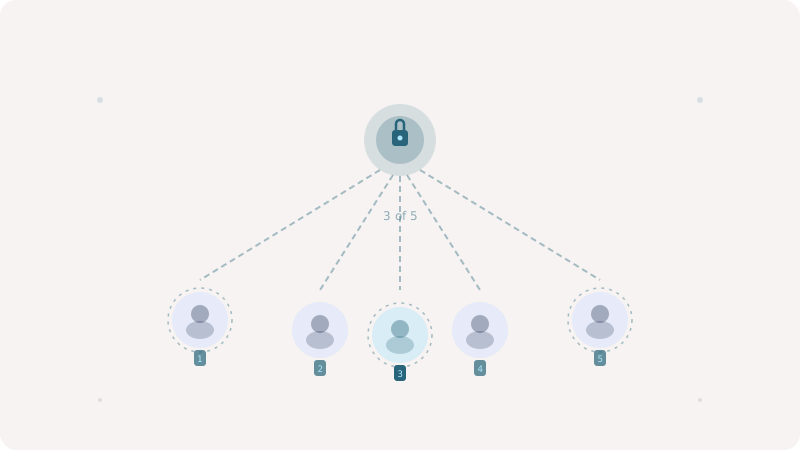
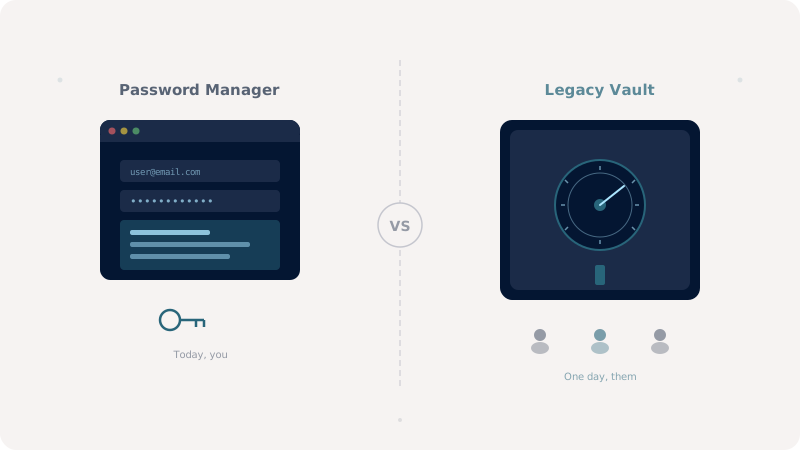
This is where most plans fail. Writing passwords on paper is insecure, and paper deteriorates, gets misfiled, or burns. Sharing them over email is worse, because email is itself one of the assets you are trying to protect. A zero-knowledge vault like Keeplas lets you store credentials, documents, and instructions in an encrypted environment that your trusted contacts can access through social recovery, without ever compromising your security while you're alive.
Step 5: Communicate the Plan
An estate plan that nobody knows about is barely an estate plan. Tell your executor, your spouse, your closest family, and your recovery contacts that a plan exists, where it lives, and how to begin the recovery process. You do not have to share contents, just signals. The point is to ensure the right people will know to look in the right place when the time comes.
Digital estate planning isn't a one-time task. Review your inventory every six months, update access instructions when relationships change, and make sure your recovery contacts are still reachable. The best plan is the one that stays current.