Password Managers vs Digital Succession Vaults: Choosing the Right Tool
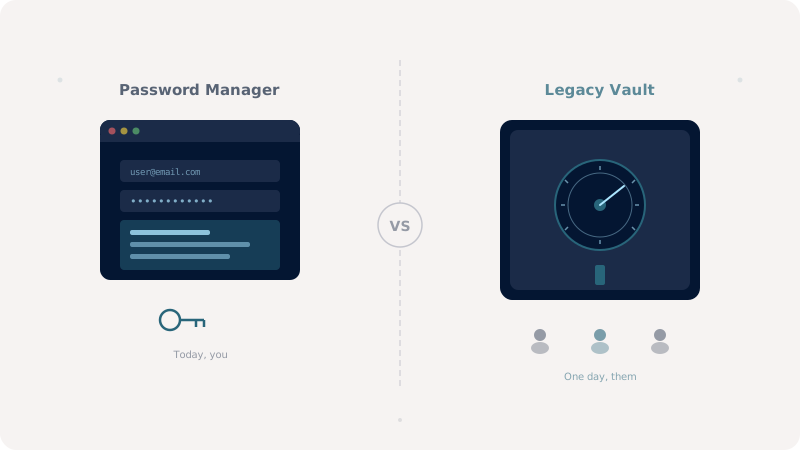
Password managers handle daily logins. Digital succession vaults, also known as digital legacy vaults, handle the moment when you can't. The two tools look similar from a distance, but they solve very different problems.
Most people who care about online security already use a password manager. Bitwarden, 1Password, Dashlane, KeePass: the category has matured into a near-universal recommendation. So a reasonable question, when a tool like Keeplas enters the picture, is: don't I already have this? The honest answer is that a password manager and a digital legacy vault overlap in the encryption primitives they use, but they were designed to solve different problems. Confusing them creates real gaps.
What a Password Manager Does Best
A password manager optimizes for daily use. It autofills credentials in your browser, generates strong passwords on demand, syncs across devices instantly, and reduces friction in the dozens of micro-interactions that make up modern online life. The threat model centers on you, the living user, accessing your own accounts safely. Recovery is usually handled through emergency contacts, account recovery codes, or, in some cases, a master-password-only model with no way back if you lose it.
These tools shine at convenience. They are weaker, by design, at the long-tail inheritance problem: who unlocks the vault when you can no longer, how do they prove they should, and how do you ensure the policy survives a decade of corporate changes at the provider.
What a Digital Succession Vault Does Best
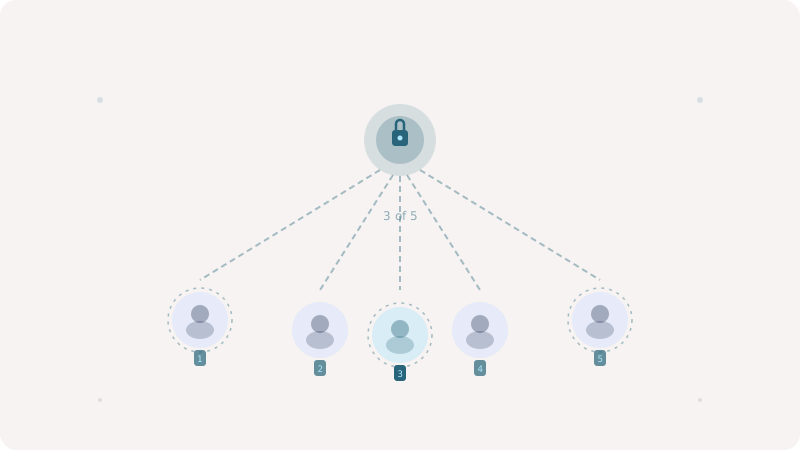
A digital succession vault optimizes for continuity. It assumes that one day you will not be the one opening it. It stores not just passwords but documents, instructions, recovery phrases, photos, and farewell messages. It enforces conditions (a quorum of trusted contacts, a delay, a death certificate signal) before any of that becomes accessible. And it is built to remain valid for decades, including the eventual scenario where the provider itself ceases to exist.
Where a password manager's threat model centers on the user, a succession vault's threat model centers on the heir: a person who may not be technical, may be grieving, and may have to coordinate with other heirs you have not yet introduced. The cryptography has to disappear behind a workflow that ordinary humans can run under emotional duress.
Where They Overlap
Both tools use strong client-side encryption. Both ideally derive keys from a master secret and never expose plaintext to the server. Both increasingly support hardware-backed authentication and post-quantum primitives. From a pure cryptographic standpoint, the building blocks are similar enough that a succession vault could function as a password manager, and a password manager could be repurposed for succession with enough effort.
Why You Probably Want Both
In practice, the right setup uses each tool for what it was built for. Keep your everyday credentials in a password manager: daily autofill, frequent rotation, casual use. Use a digital succession vault to store the things you do not want anyone, including yourself, to access frequently: the recovery phrase of your password manager, your hardware wallet seed, scans of identity documents, the will, the letter to your children. The succession vault becomes the meta-vault: the one that ensures the others can eventually be unlocked even if you cannot.
A Worked Example
Imagine your spouse needs to settle your estate. They open your Keeplas vault using the social recovery quorum you configured. Inside, they find a one-page document explaining where your password manager lives, the master password recovery key, the seed phrase for your crypto wallet, and your instructions for which accounts to memorialize versus delete. They do not need to be a security expert. They do not need to learn cryptography. They follow a runbook you wrote in calm conditions, years before they needed it. That is the role only a succession vault can play.