Building a Family Photo Archive That Outlives the Cloud
Photo libraries are the heart of most family successions, and the most fragile. A core piece of digital succession, also known as digital legacy planning. Here is how to build an archive that survives platform changes, lost passwords, and decades of drift.
For most families, the most valuable digital asset is not money. It is the photo library. A few hundred gigabytes of birthdays, holidays, school plays, weddings, funerals, lazy afternoons. Lose the savings account and you can rebuild. Lose the photos and you cannot. Yet photo libraries are usually stored in exactly the places most likely to disappear: a single cloud account tied to a single email, protected by a single password, governed by terms of service that allow the provider to close the account if the bill goes unpaid.
A serious family archive strategy treats photos as a long-term project, not a side effect of having a phone. The goal is an archive that survives platform changes, account closures, format obsolescence, and the eventual death of whoever is currently the family curator. The principles are straightforward; the discipline to follow them over years is what makes the difference.
Principle 1: Multiple Copies in Different Places
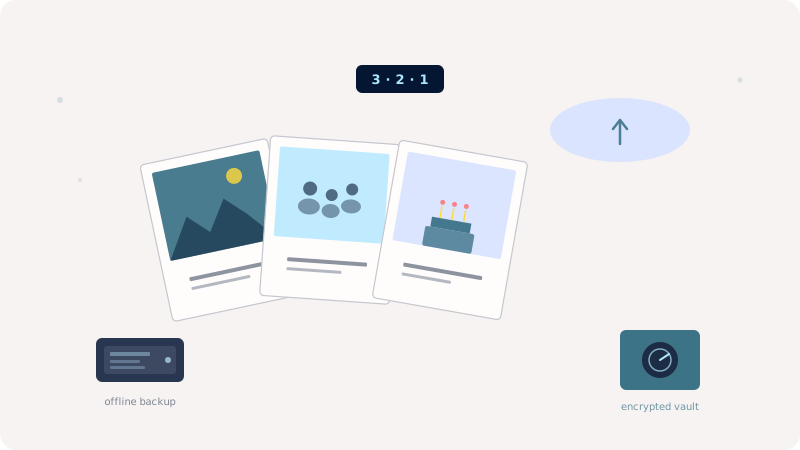
The professional rule of thumb is 3-2-1: three copies of the data, on at least two different media, with at least one copy offsite. A version that works for families: the originals on your phone, an automatic backup in one cloud service, a quarterly export to an external hard drive, and a yearly archive copy in a second cloud or with a trusted relative. Redundancy is not paranoia; it is the bare minimum for data that cannot be regenerated.
Principle 2: Open Formats, Not Proprietary Albums
Cloud photo services love to organize photos into shared albums, story collections, and AI-generated highlight reels. These features are pleasant to use and almost impossible to migrate. Export to a folder structure of plain image files at least once a year. Use formats that will still be readable in 2050 (JPEG, PNG, HEIC if you must) and keep the EXIF metadata intact. Embedded date, location, and camera information is what makes the archive searchable decades later.
Principle 3: Caption What Future-You Cannot Reconstruct
A photo of your grandmother at her 80th birthday is recognizable. A photo of a friend's child at age four in 1998 may not be, twenty years later, even to you. Spend a few minutes a month writing captions on the photos that need them: names of people, the occasion, the place. Most modern photo apps store captions in metadata that survives exports. The archive becomes dramatically more valuable to the people who will inherit it.
Principle 4: Plan the Handoff
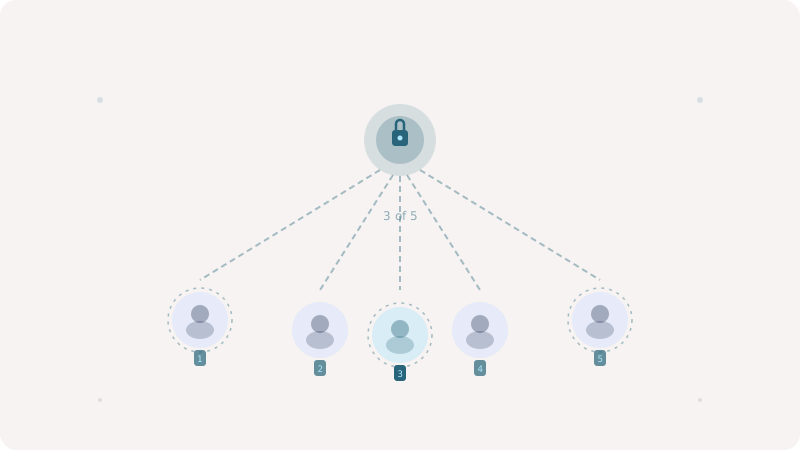
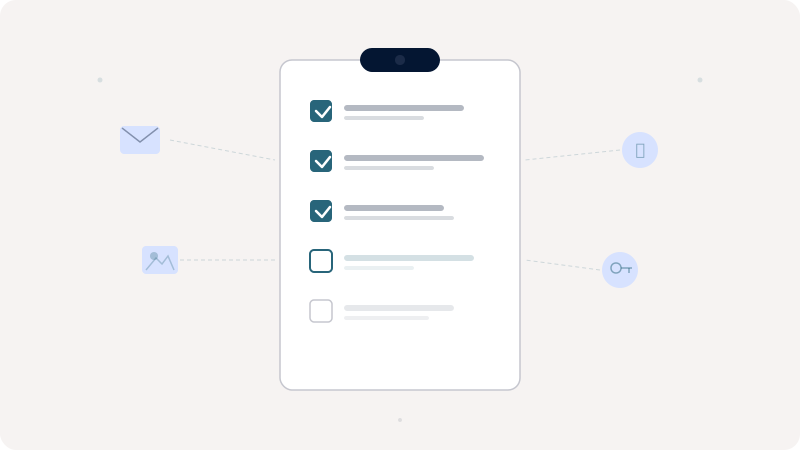
Decide now who inherits the archive and how. A document in your digital legacy vault should describe where the master copy lives, how to access it, and which family members have already been granted access. If the archive lives in a personal cloud account, configure the legacy contact feature so the account itself can be transferred. The handoff plan is the difference between an archive that becomes a family treasure and one that vanishes in the chaos of administrative cleanup after a death.
Principle 5: Encrypt the Sensitive Slices
Not every photo belongs in the family archive. Medical imagery, identity documents you photographed for convenience, screenshots of private conversations: these need a different storage tier. A zero-knowledge vault is the right home for the slice of your image library that is sensitive enough to warrant client-side encryption. Treating photos as a single uniform corpus is convenient but wrong; segmenting them by sensitivity adds privacy without burdening the bulk of the collection.
Bringing It Into a Succession Plan
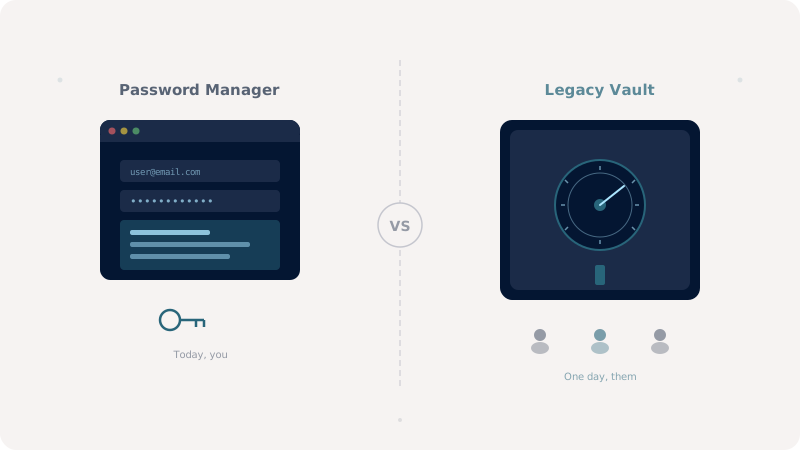
When Keeplas users plan their digital succession, the photo archive is almost always among the first things they want to preserve. The vault is not where the bulk of the library should live (that role belongs to a dedicated photo service or cold storage), but it is the natural home for the instructions, the access credentials, and the curated subset that needs the highest level of confidentiality. Treated as part of the plan, your family archive becomes something that genuinely outlives any single service.